
Find anything you ever copied.
Type a word and everything else steps aside. Scroll back through all of it, side by side.
What it does
Everything a clipboard manager should do. Search it, preview it, fix it, paste it, without leaving what you’re doing.
Type a word and everything else steps aside. Scroll back through all of it, side by side.
Every screenshot you copy is kept as a card. Built-in OCR reads the words inside, so type one and the picture that says it comes up. Search recent copies in the tray; open History for everything.
Press Space. A link opens as the page itself, a photo full size, code in color. The same Quick Look you know from Finder.
Fix the typo, swap the color, then paste. Right there on the card.
Start a Paste Stack, copy a few things, and each ⌘V pastes the next one, in order.
⌘1 to ⌘9 with the tray open. ⌃⌥1 to 9 without it. No reaching, no looking.
Give a smart folder a rule, like every screenshot, every link or anything copied from Figma, and it fills itself as you copy. Or tell any folder to collect, and everything you copy lands in it until you say stop.
Light cards or dark. A tray you can see through, or one you can’t. And where it lives.
Three across or six. One row, or two that scroll down.
Don’t want the tray at the top of your screen? Let it float above your Dock instead, and open it with a shortcut. No notch? Reach for the top all the same. More than one display? It follows your pointer from screen to screen, or stays on the one you choose. Apple silicon, macOS 14 or later.

A folder for your colors. One for your snippets. One for the client. Heavy photos, long videos, days of code, and it keeps up.
And more
Every kind of copy
A color shows up as the color. A link brings its picture. A contact is a name and a face. Sixteen kinds, each drawn as what it is.


“The best interface is the one you never have to think about.”

Tracking 1Z 999 AA1 01 2345 6784





let hotkey = "⌘⇧V"

withAnimation(.snappy) {
  tray.open(rows: 1)
}

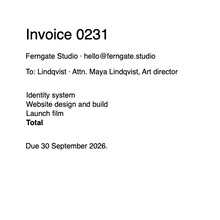
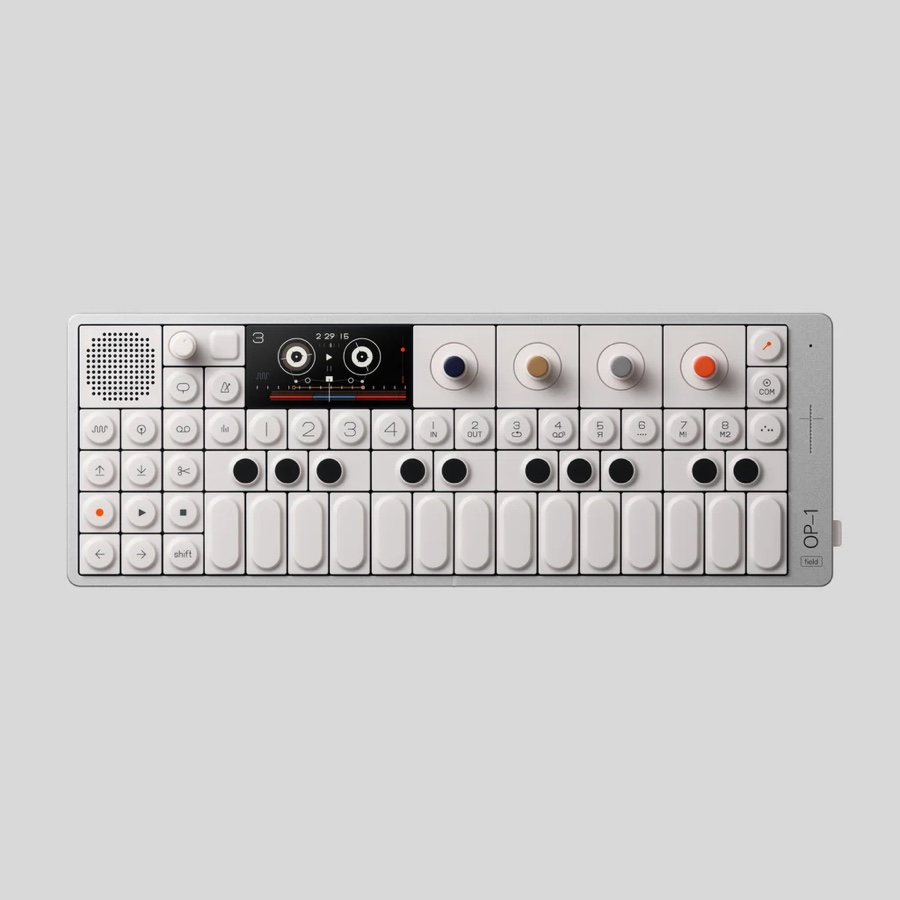
paste(clips.first)Two things from this morning: the palette, and the hero photo.

# ship it
xcodegen generate
./build.sh --release

# then notarize
xcrun notarytool submit

# ship it
xcodegen generate
./build.sh --release

# then notarize
xcrun notarytool submit
“The best interface is the one you never have to think about.”
:root {
  --accent: #A99B87;
  --ink: #0A0A0A;
}

.btn { border-radius: 20px }Launch checklist — palette, hero photo, Q3 invoice, deck.
Booking K7P2QX · LIS → MXP · Fri 26 Sep 07:40

let hotkey = "⌘⇧V"

withAnimation(.snappy) {
  tray.open(rows: 1)
}

paste(clips.first)Ready when you are.